Portraits and content
AI photoshoot from photo
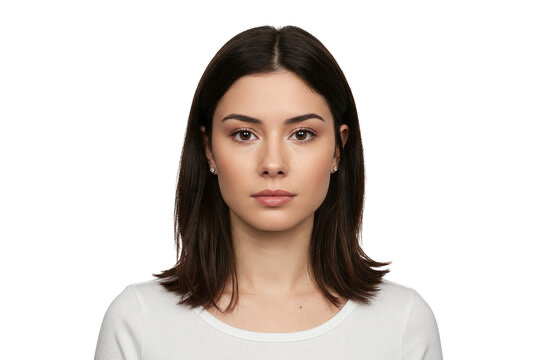
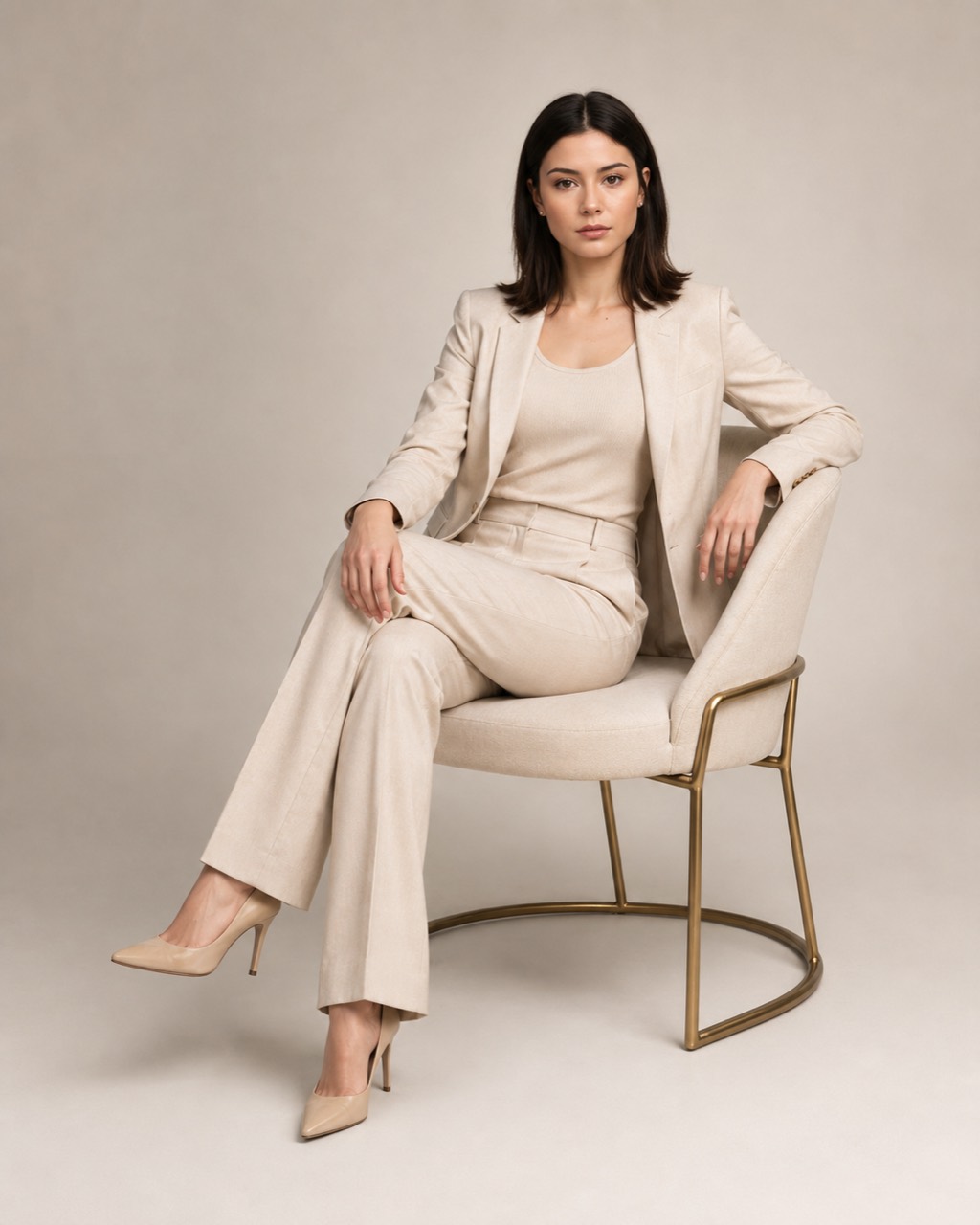
Create a business portrait, lifestyle shot, resume photo, social media image or personal brand visual from one clear photo.
What it is
When you need a new shot but do not have a shoot today
An AI photoshoot creates a new image based on a source portrait. You can try different clothing, background, light, pose and mood without finding a studio, location and props for every idea.
It works for quick visuals, testing a look and preparing content. The AI tries to preserve recognizable features, but likeness depends on the source photo quality and prompt complexity.
For whom
Where this kind of photo can be useful fast
For a resume
A neutral business portrait for a CV, career platform or specialist page.
For personal brand
A series of looks for a website, posts, presentations and social media.
For business
A business photo of an expert, consultant, founder or team member.
For content
Fashion, lifestyle, beauty and cinematic shots without searching for a location and props.
Looks you can try
- AI business photo in an office or bright studio;
- resume photo with a neutral background and clean clothing;
- professional portrait for a website and personal brand;
- lifestyle photoshoot outdoors, in a cafe, at home or while traveling;
- fashion, beauty or cinematic look from your own scenario.
How to create an AI photoshoot
- Choose the “AI photoshoot” mode.The bot will offer ready scenarios and custom prompt.
- Send one clear photo.The face should be visible and well lit.
- Describe the look.Specify clothing, background, light, pose and the purpose of the photo.
- Receive the finished shot.The result arrives in Telegram, where you can try another scenario.
Prompt examples without a studio brief
“Business portrait in a bright studio, beige suit, soft natural light, calm confident pose”
“Resume photo: neutral gray background, dark blazer, clean studio lighting”
“Lifestyle photoshoot in a modern cafe by the window, casual outfit, morning light”
“Cinematic portrait in an evening city, soft backlight, dark coat”
What affects face likeness
Use a front-facing photo or a slight angle, without heavy retouching and colored filters. Avoid covering the face with hair, hands or large accessories.
Do not overload the prompt: start with one look and one location. For another style, it is better to make a separate generation.
Questions before the first AI photoshoot
What AI photoshoots can I create?
Business, lifestyle, fashion, beauty, cinematic, resume photos and personal brand images.
Will the face be preserved?
The AI tries to keep the person recognizable, but likeness can change. A clear source portrait usually gives a more stable result.
Can I create a resume photo?
Yes. Ask for a neutral background, business clothing and calm studio light.
What photo should I upload?
No heavy filters, a well-lit face and enough resolution.
Can I change clothes and location?
Yes. Describe the outfit, environment, lighting and composition.
Is an AI photo suitable for documents?
No. For official documents, use a real photo made according to the required rules.