For sellers and brands
Product cards for marketplaces with AI
Upload a product photo and create a catalog, product or ad-style visual for marketplaces and online stores directly in Telegram.
What it is
When you have the product, but not the scene yet
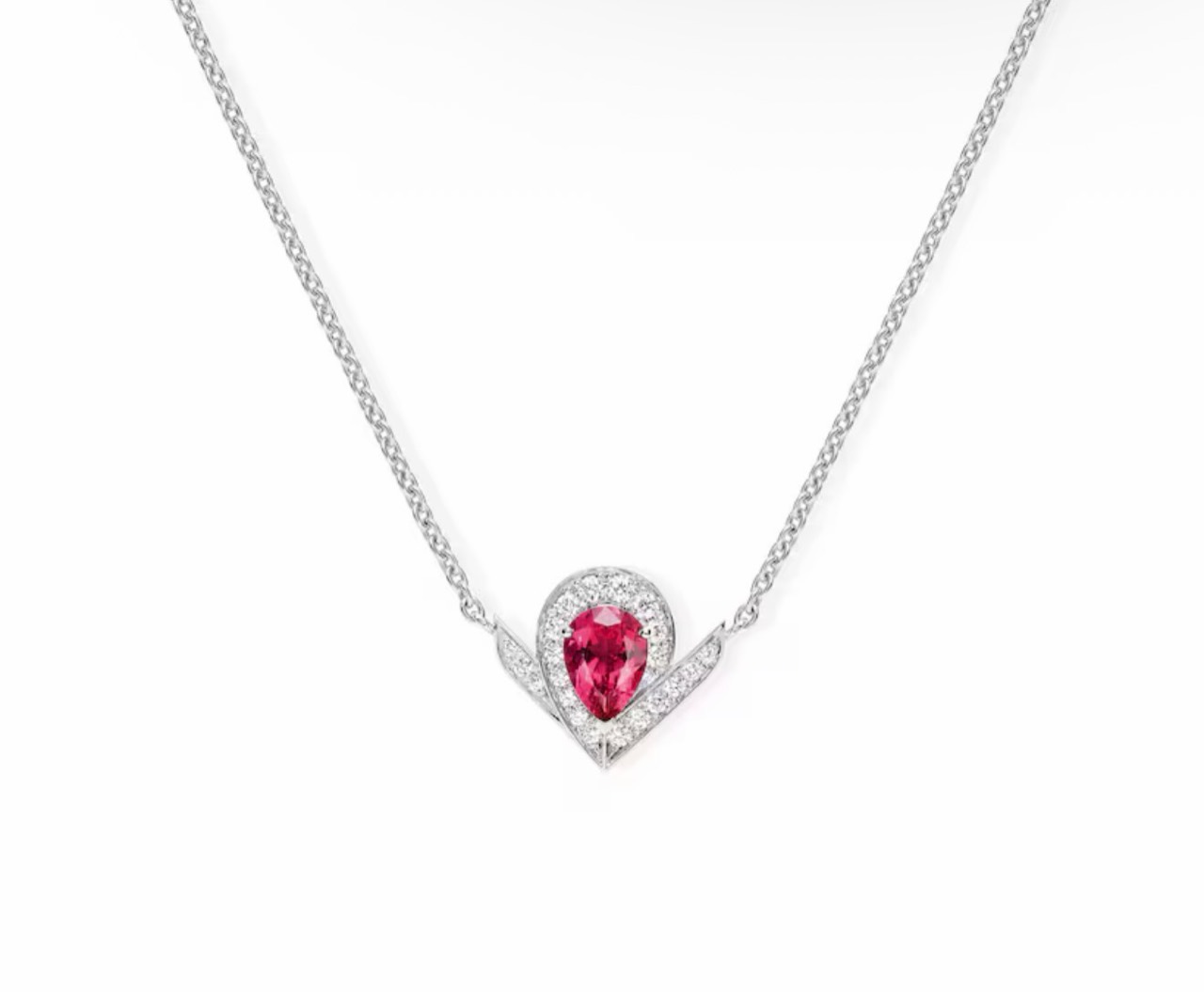
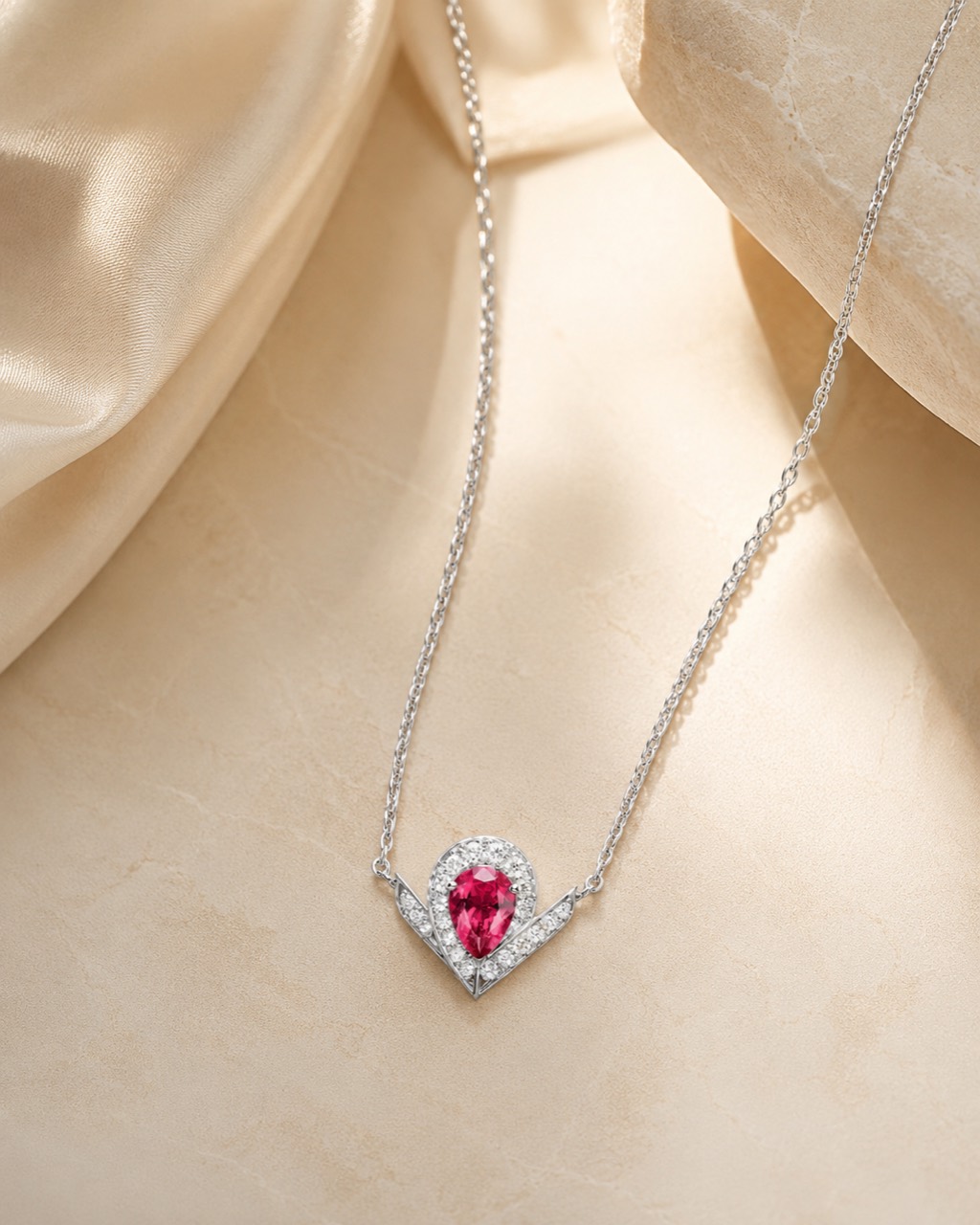
Often you only have a product photo on a white background or a quick shot without a studio. The bot helps test how the same product could look on stone, fabric, wood, in a lifestyle scene or in a clean catalog format.
This is useful for first hypotheses: not instead of final product checks, but before them, when you need to quickly understand which background and mood are worth developing.
For whom
Who usually saves time with this
Marketplace sellers
For testing product backgrounds, lifestyle scenes and visual presentation.
Online store sellers
For first catalog images and comparing several ad-style compositions.
Small brands
For website content, social media, catalogs and presentations.
Marketplace managers
For quick concepts before briefing a photographer or designer.
Ideas you can quickly test
- replace a white background with a product or lifestyle composition;
- create a premium visual on stone, fabric, wood or another surface;
- show jewelry, accessories or cosmetics in a usage context;
- try seasonal styling, color palette and ad mood;
- prepare several directions for a product card A/B test.
The service is an independent AI tool for visual content and is not officially connected to any marketplace.
How to create a marketplace visual
- Choose the “Product card” mode.It is designed for product and commercial images.
- Send one product photo.The object should be sharp and fully visible.
- Describe the background and composition.You can write the prompt directly in the photo caption.
- Receive the result.Check product details and marketplace requirements before publishing.
Prompts you can send directly in the caption
“Premium product photo of jewelry on light stone, soft daylight, clean shadows”
“Cosmetics product card in a minimal style: beige background, water and soft reflections”
“Lifestyle photo of a mug on a wooden table in a cozy kitchen, morning light”
“Clean catalog product photo on a light gray background, even studio lighting”
Where AI can make mistakes and what to check manually
Do not crop product edges and avoid glare that hides the shape. The clearer the material, color and details are, the easier it is to keep the product recognizable.
After generation, compare the logo, fasteners, packaging, text and small details with the original. For products where precision matters, use AI as a concept or background and check the final file manually.
Questions that usually come up before publishing
Is AI useful for marketplace product cards?
Yes, for first visuals and testing ideas. Before publishing, check the technical and content requirements of the chosen marketplace.
What products can be processed?
Jewelry, cosmetics, clothing, accessories, tableware, decor, electronics, food and other clearly visible objects.
Can I replace only the background?
Yes. Describe the surface, color, lighting and how minimal the scene should be.
Does this replace product photography?
AI helps test directions quickly, but it does not always preserve small details with the precision of a studio source.
What product photo should I upload?
A sharp photo with even light, no overlaps and the full outline visible.
Is the service officially connected to marketplaces?
No. It is an independent AI tool for preparing visual content.