
Interior redesign from photo
Quickly see whether another style, furniture, lighting and color palette fits the room.
AI interior redesign from photo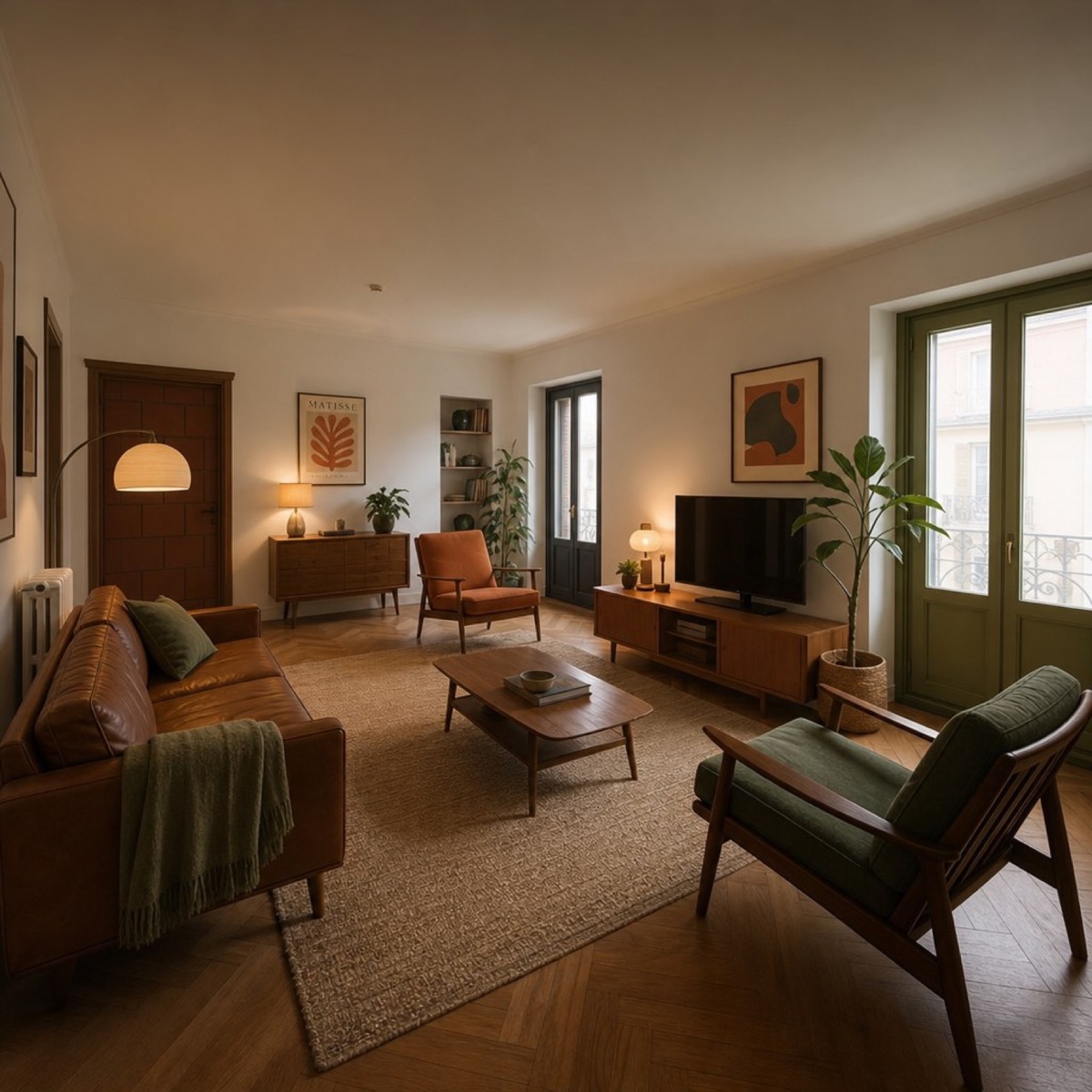
AI visuals without complex editors
Upload a photo of a room, product or person and get an interior redesign, AI photoshoot, product card for marketplaces or a custom image from your prompt.
Main use cases
You can choose a ready mode or write your prompt directly in the photo caption.
Quickly see whether another style, furniture, lighting and color palette fits the room.
AI interior redesign from photoTry a business portrait, lifestyle shot, resume photo or personal brand image.
AI photoshoot from photoCheck how a product looks not only on a plain background, but inside a clean scene.
Product cards for marketplacesAsk the bot to replace a background, build a scene, change light or adjust the mood.
AI photos and images by promptResult examples
These are not a promise of the same result for every photo, but a clear reference for the types of tasks.
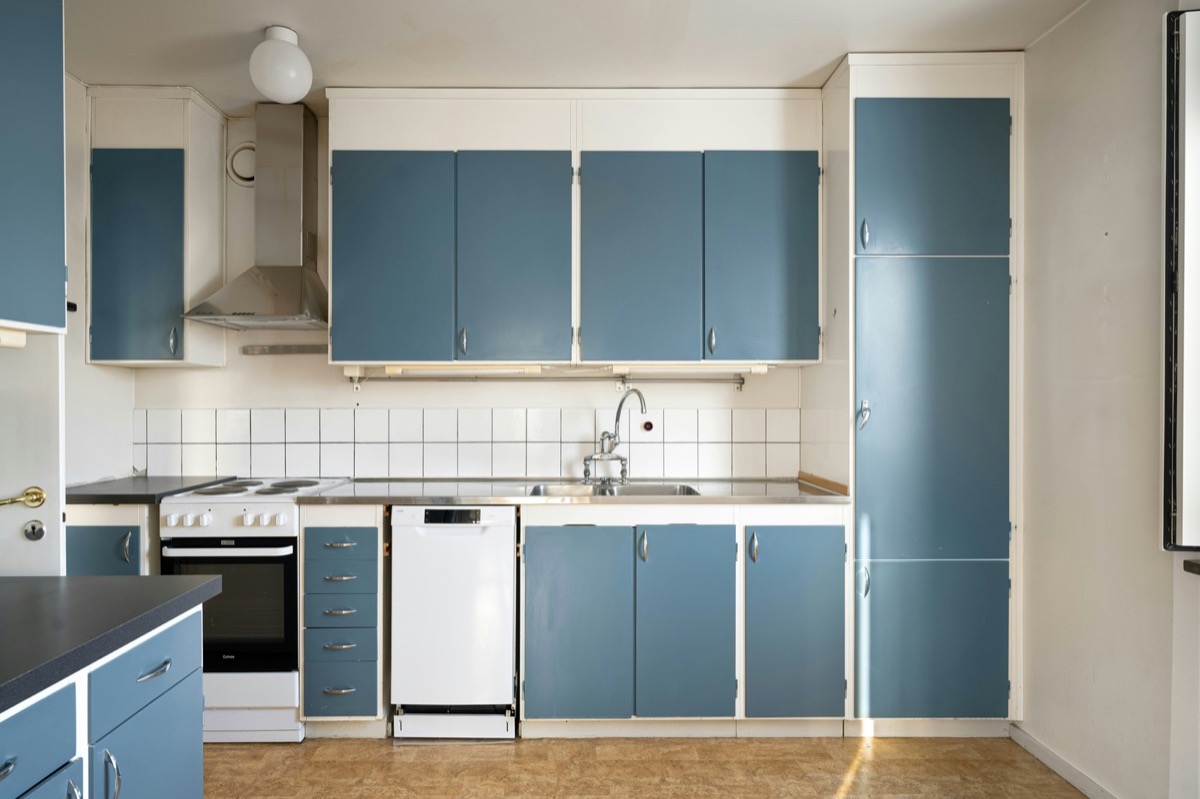
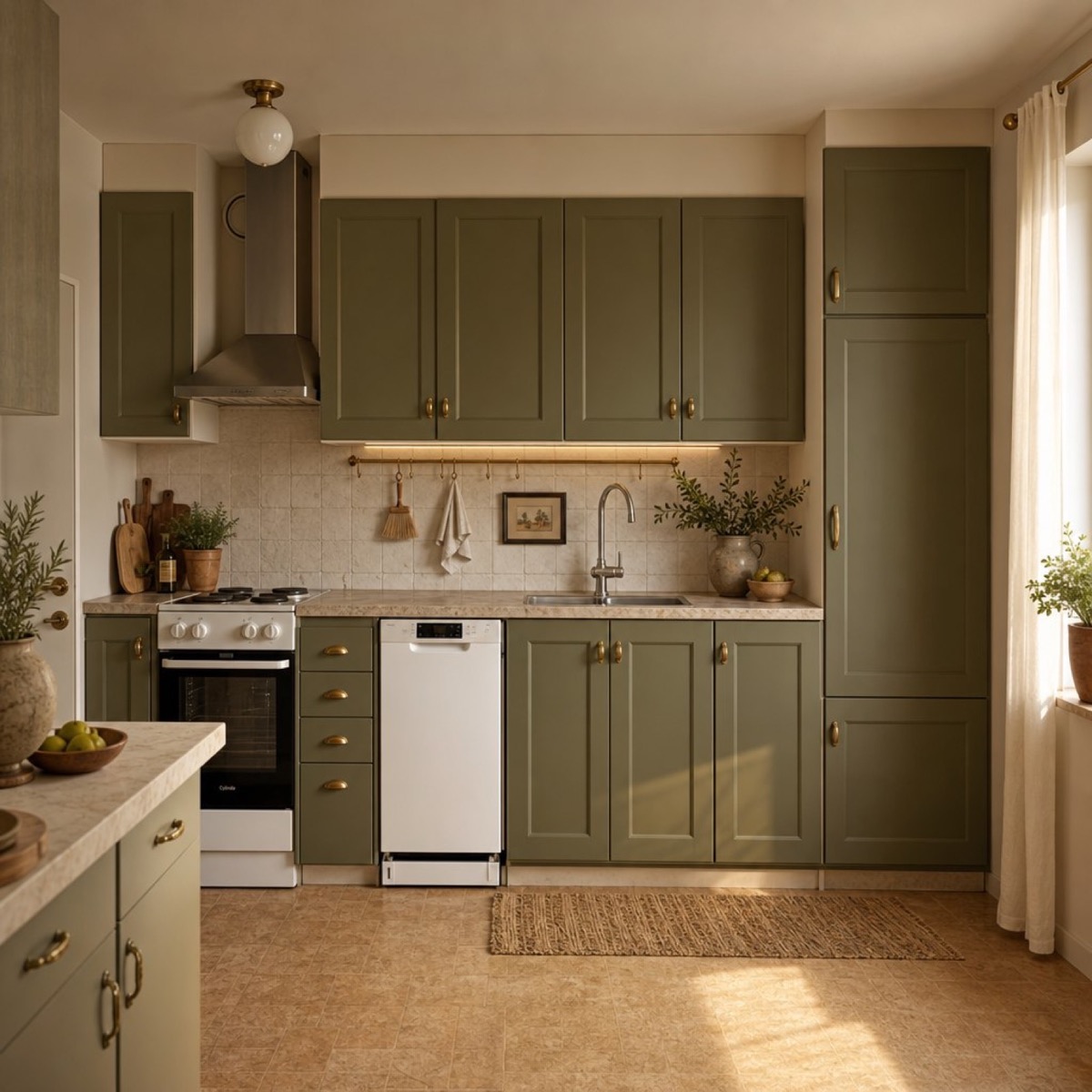
Interior
AI changes furniture, palette and materials while keeping the source room geometry recognizable.
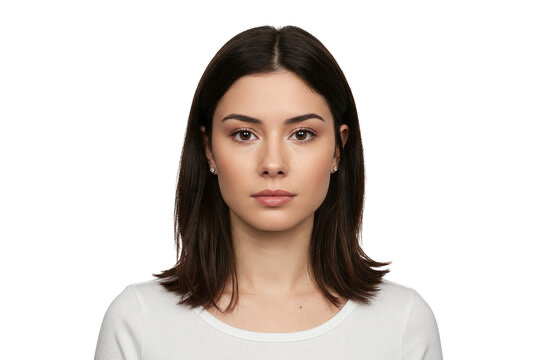
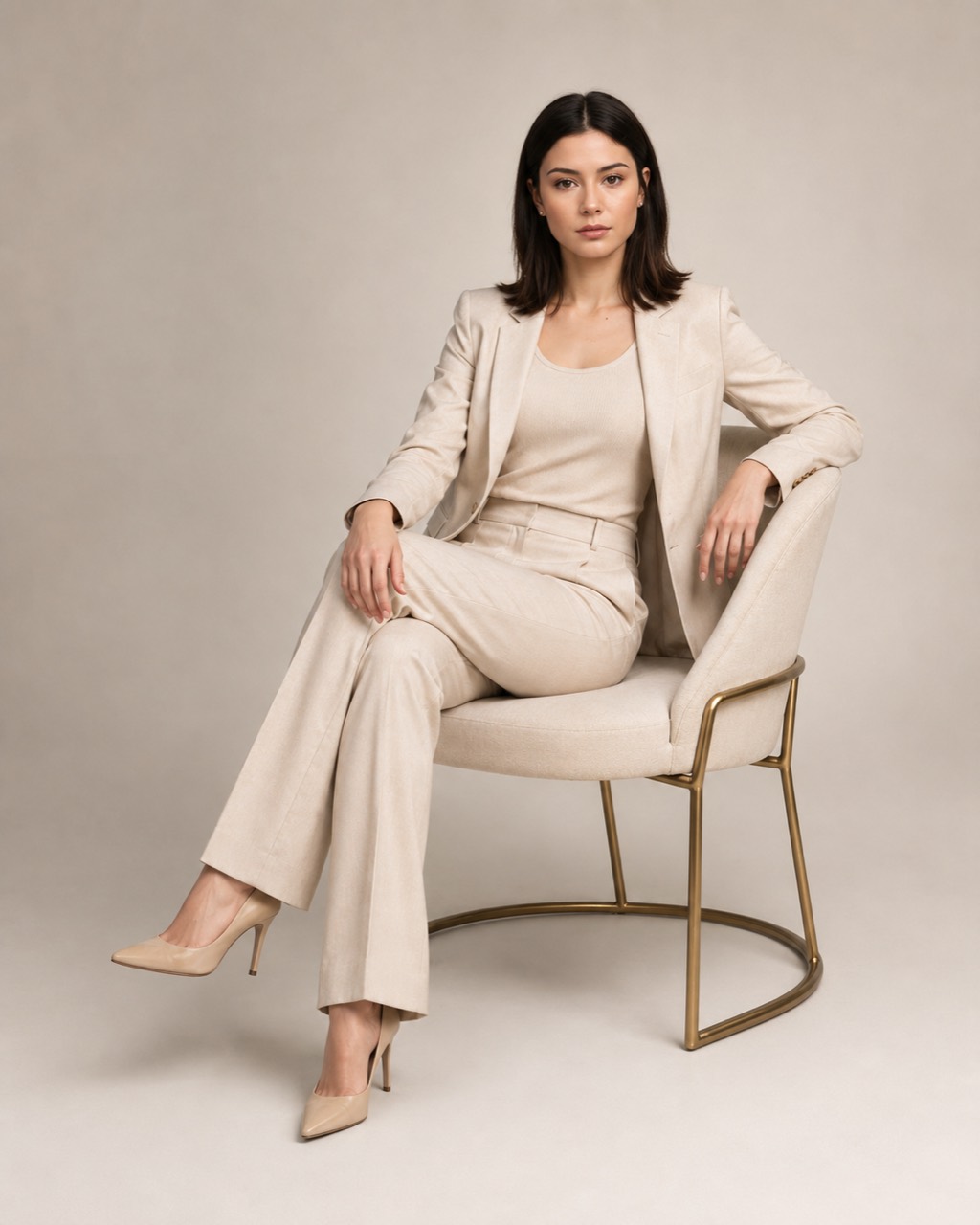
AI photoshoot
You can try new clothes, lighting, pose and location from one clear portrait.
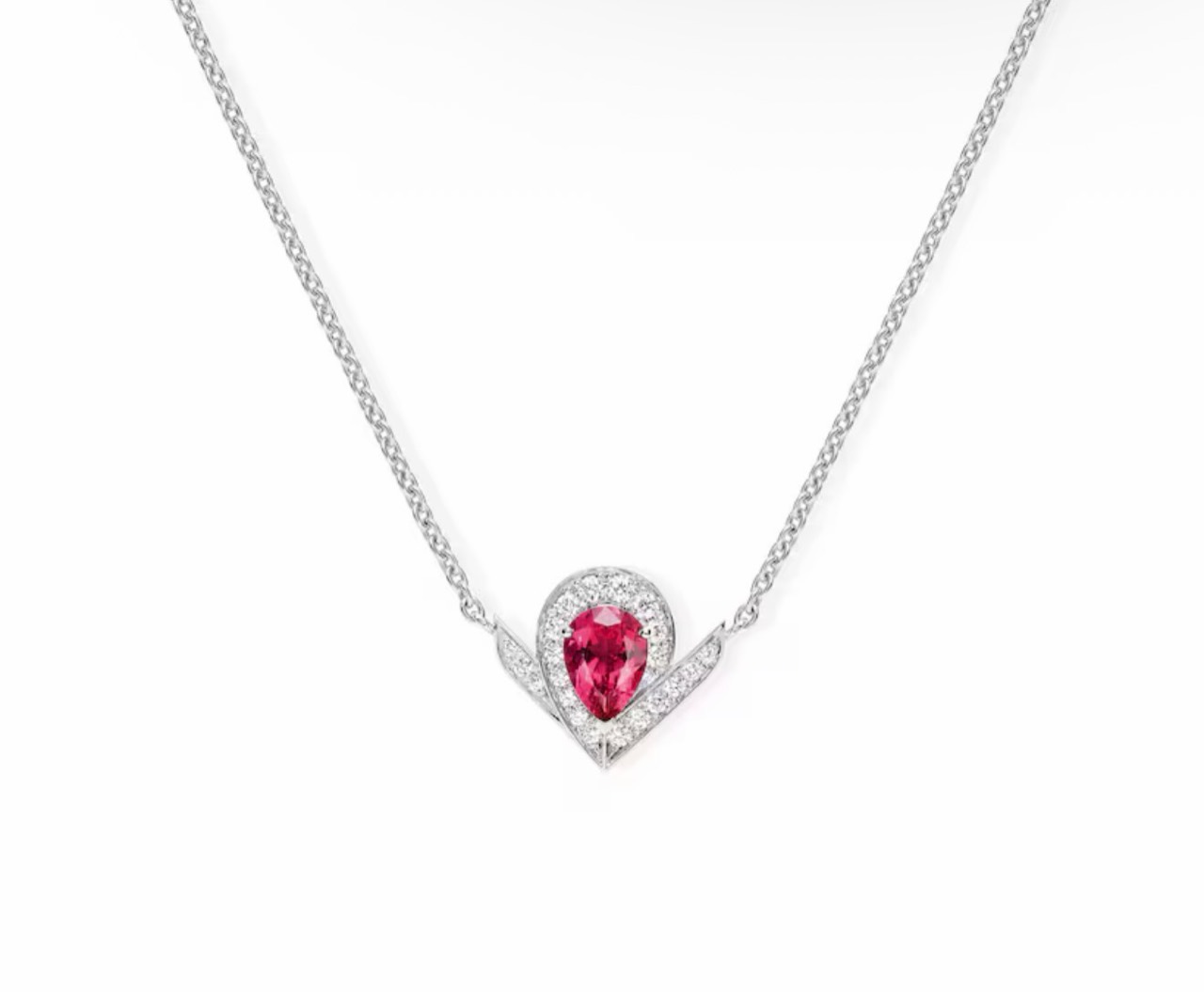
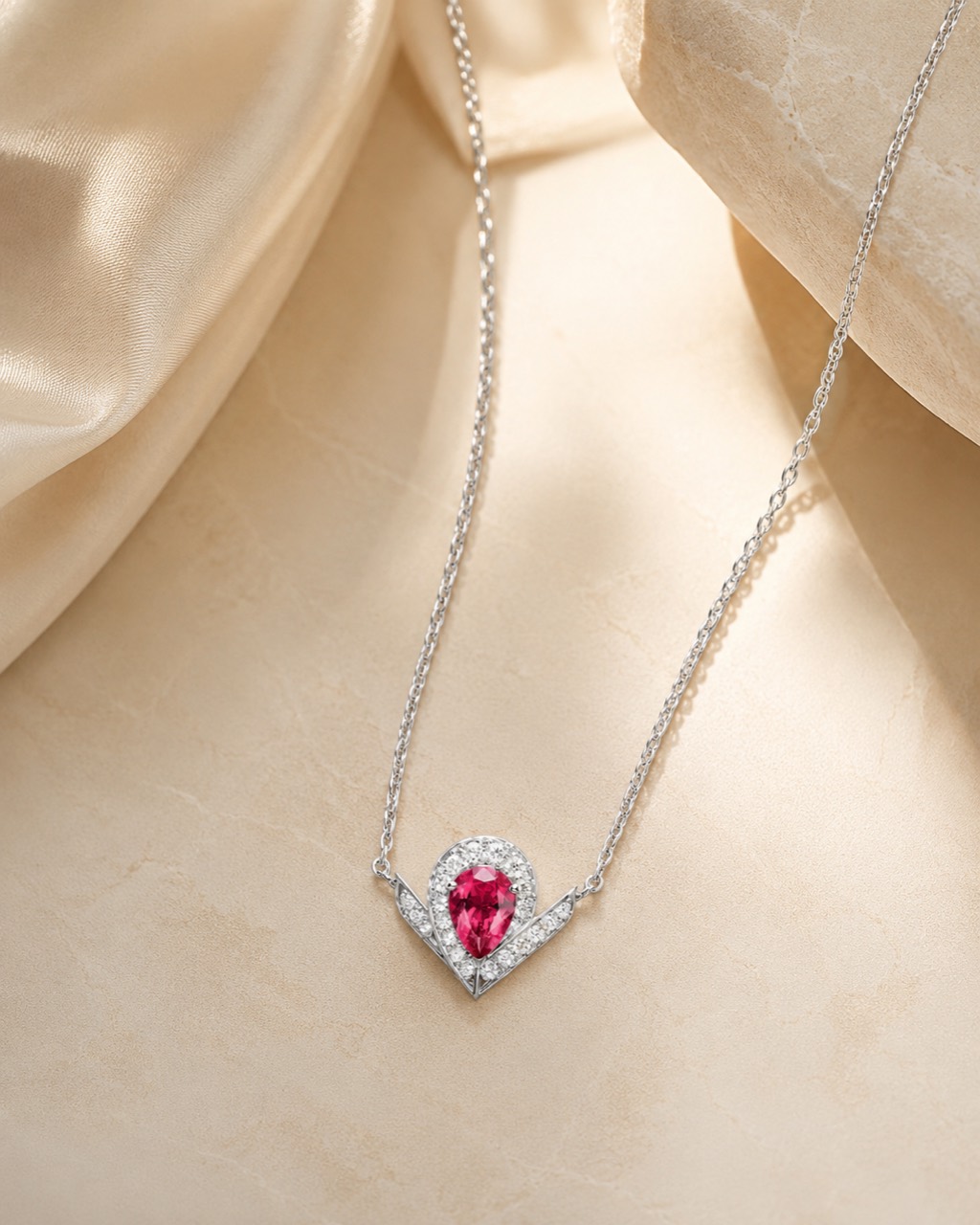
Product visual
Catalog, lifestyle and ad-style scenes are useful for quick tests of product cards and content.
Everything happens in Telegram: one photo, a short prompt, generation confirmation and the final result in chat.
Choose a mode and upload a room, portrait or product. You can add the prompt directly in the caption.
Choose a ready style or write what should change: background, clothes, interior or composition.
Confirm the generation. The finished result arrives in the same Telegram chat.
For whom
Test backgrounds, product scenes and card variations for marketplaces and online stores.
Quickly compare interior directions and collect visual references before renovation.
Prepare a business photo, resume portrait, website image, social profile or personal brand visual.
Change the mood, background and style of a source image with a normal text prompt.
The photo, prompt, confirmation and result are all inside one familiar chat.
Change the wording and compare versions without preparing a complex brief again.
Useful for testing an idea before a studio shoot, renovation or manual retouching.
Choose a task
Each page answers a specific search intent and shows what you can ask the bot to do.
Yes. Add the prompt to the photo caption or write it after upload. For example: “business portrait in a bright studio” or “Japandi kitchen”.
Interior redesign, AI photoshoots, product cards, product visuals and other image edits by text prompt.
One order uses one source photo. This keeps the prompt clearly attached to the selected image.
Use a sharp, well-lit source image. The important object, face or room geometry should be clearly visible.
No. The bot works inside Telegram, so you do not need to learn complex editors.
Yes. Your balance can be used for interiors, photoshoots, product images or custom prompts.
Open the bot, choose a mode, send one photo and describe the result you want.
Open Telegram bot